Practical Basketball Guides Hub
Every mechanic tutorial in one place — from your first stress-test queue to advanced park combos.
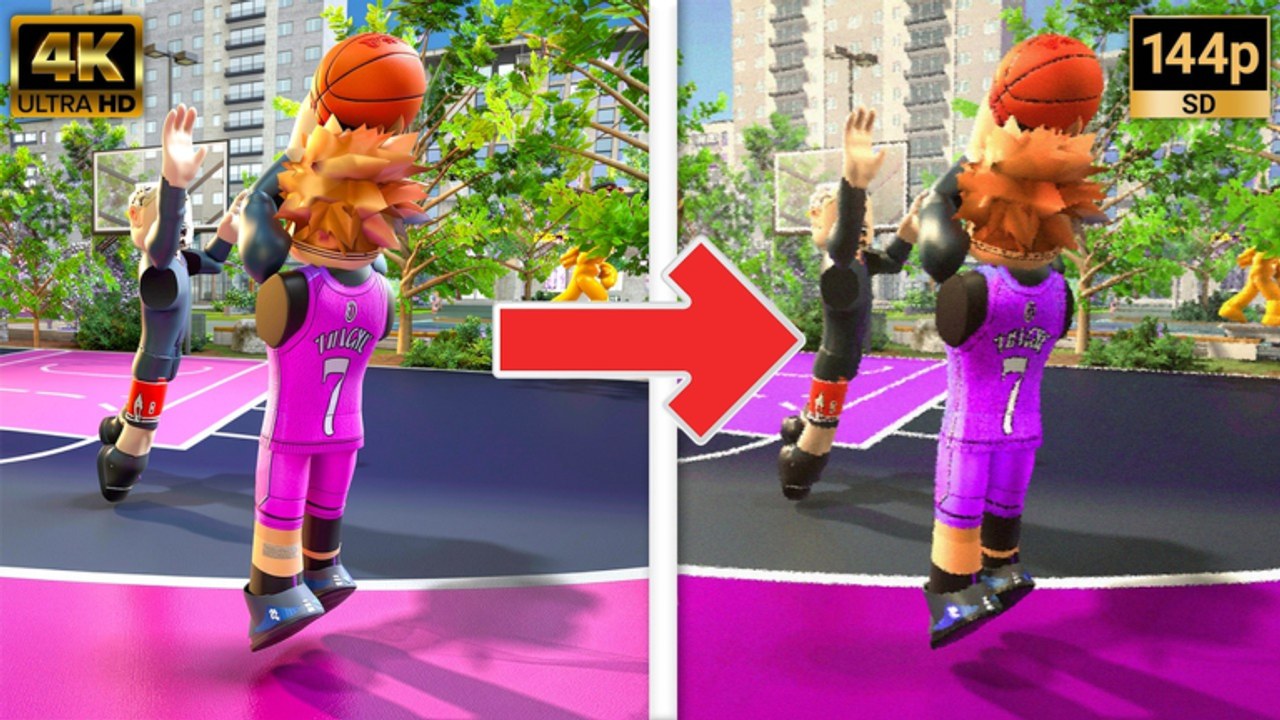
Practical Basketball is a skill-first Roblox basketball experience built on Practical’s Physics V2. During early-access stress tests, servers open for limited windows, park lobbies fill quickly, and matches reward timing, spacing, and input discipline more than menu grinding. This hub collects every in-depth guide on the wiki so you can jump straight to the topic you need without guessing which page is current.
If you have never queued before, start with Getting Started — it covers Roblox access, what stress-test sessions feel like, and a sensible first-hour practice plan. New players should also open Learn PB for structured in-game drills before Park queues, and Plaza & Shops when customizing animations or cosmetics during ST3. From there, bookmark PC Controls as your desk reference; that page lists every confirmed keyboard input for shooting, passing, dribbling, dunking, and alley-oop finishes.
Core mechanic guides
Once you can move and pass without looking at the keyboard, rotate through the skill pages below. Each guide is written for 600+ words of actionable detail, cross-links its siblings, and assumes you are playing on PC during a stress-test window.
- How to Shoot — release timing, pump fakes, contest reads, and shot selection for park games where every possession matters.
- How to Green — perfect-release reads, meter timing, contest windows, jumpshot pairing, and when to pass instead of forcing a green.
- How to Dunk — standing versus driving dunks, contact finishes, approach angles, and when vertical beats a layup.
- How to Dribble — combo chains with Z, C, X, and V, hesi setups, and how ball-handling creates driving lanes.
- How to Alley-Oop — self lobs, teammate lobs, jelly timing, and the passes that actually connect in crowded lobbies.
- How to Self Lob — dedicated PC F / console LB+RS self alley-oop drills, failure fixes, and gym curriculum.
- How to Pass — chest and bounce passes, fake passes, spacing reads, alley setups, and turnover fixes for playmakers.
- How to Defend — on-ball stance, help rotations, steal discipline, rim protection, and stamina for stress-test park games.
- Post Moves — post up with G, hooks, fades, dropsteps, spins, and face-up counters for interior scorers.
- How to Create a Build — height, attribute priorities, badge ideas, and sample guard, wing, and big templates for early access.
- Pick-and-Roll Guide — Hold T screens, Diesel roll reads, guard decisions after the screen, spacing, and common PnR mistakes.
- How to Rebound — box-outs, strength, Diesel boards, tip-outs, crash versus leak, and interior defense synergy.
- Playground vs Practical — two different Roblox games; no shared codes or physics.
- 1v1 Guide — iso reads, stamina traps, wager etiquette, and when to switch to team park.
- FPS and Settings — frame rate, graphics, and input settings that keep shot timing readable during ST3.
Platform, camera, and animation guides
PC keyboard remains the best reference for stress-test timing, but Practical Basketball supports mobile and console through Roblox. Use these pages when your device is not a desk setup:
- Learn PB — in-game training drills for shooting, dribbling, passing, and finishing before live Park queues.
- Plaza & Shops — animation store, apparel, kicks, barber, and how cosmetics differ from Build Creator stats.
- Mobile Controls — touch joystick, on-screen hold-release shooting, dribble buttons, passing, and honest limits versus PC.
- Console Controls — gamepad binds, D-Pad overlays for double crossover and switch hands, and Discord verification each test window.
- Camera Settings — sensitivity, third-person versus first-person experiments, graphics for timing readability, and L-key troubleshooting when relevant.
- Animations & Sigs
- Best Jumpshots — height and three-point release testing — jumpshot and dribble signature packs, gym testing workflow, and stress-test caveats when packs change between windows.
Pair platform guides with PC Controls and the Controls Cheat Sheet so you translate community PC language into your layout.
The site header lists up to eight guides per dropdown; with this many mechanic pages, navigation may show View all in Guides — use that link or return here for the full index.
These pages intentionally overlap: shooting guides reference pump fakes from controls, dunk guides mention drive momentum from dribbling, and build guides explain why certain heights unlock standing lobs. Read them in any order, but most players improve fastest with Controls → Build → Shoot → Dribble → Dunk → Alley-Oop.
When to use which guide
Stress tests punish bad habits immediately. Use this quick map during a session break:
| Problem in-game | Open this guide |
|---|---|
| Missing wide open shots | How to Shoot |
| Greens feel random despite good form | How to Green |
| Getting stripped on drives | How to Dribble |
| Finishes bouncing off the rim | How to Dunk |
| Lob passes sailing out of bounds | How to Alley-Oop |
| Self lob / self alley not triggering | How to Self Lob |
| Passes stolen or teammates never open | How to Pass |
| Getting scored on every possession | How to Defend |
| Post ups blocked or stripped instantly | Post Moves |
| Feeling too slow or too weak | How to Create a Build |
| Forgot a key bind mid-game | PC Controls |
| Playing on phone or tablet | Mobile Controls |
| Playing on gamepad / console | Console Controls |
| Shots feel random after a settings change | Camera Settings |
| New jumpshot or dribble pack feels off | Animations & Sigs |
| Pick-and-roll dies every possession | Pick-and-Roll Guide |
| Losing boards and second-chance points | How to Rebound |
| Confused with Playground Basketball codes | Playground vs Practical |
| Losing every 1v1 wager | 1v1 Guide |
| Frame drops hurting shot timing | FPS and Settings |
Beyond mechanics
Guides cover on-court skill, but Practical Basketball stress tests also move fast on the meta side. When codes appear during promotional windows, cross-check Codes before redeeming — rewards and expiry dates change between tests. For community tier discussions and patch reactions, see Tier List. Official announcements, Discord invites, and Roblox game links live on Links.
How we write and update these pages
Every guide here is sourced from stress-test builds and community-confirmed inputs, not recycled generic basketball tips. Wording stays careful about release status: Practical Basketball remains in early access / stress-test phases, so features, attributes, and badge names can shift when Practical Creations opens a new test window. When a mechanic changes, update the relevant JSON under content/source/guides/, run npm run sync, and refresh cross-links from this hub body so newcomers always land on current info.
Recommended learning path
- Queue once using Getting Started so you understand park flow and session limits.
- Drill PC Controls in an empty half-court until shoot, pass, and dribble inputs are muscle memory.
- Create a first build with How to Create a Build before you invest hours into mismatched attributes.
- Alternate How to Shoot and How to Dribble reps — spacing and handle feed each other.
- Add How to Pass once help defense collapses on your drives — kick-outs win stress-test games.
- Study How to Defend in parallel so you know what opponents are trying to take away.
- Add How to Dunk and How to Alley-Oop once you can reach the paint on demand.
- Interior builds should drill Post Moves in gym before live park queues.
Stick with one build for several sessions before chasing a new height or badge spread. Stress tests are short; deep practice on a single archetype beats resetting every night.
Frequently Asked Questions
Quick answers players ask before every park session.
Which Practical Basketball guide should I read first?
Start with Getting Started if you are new to Roblox stress-test queues, then keep PC Controls open while you play. Add shooting and build guides once you can move without checking keys.
Do these guides work on mobile or console?
Mechanic guides apply on all platforms, but inputs differ. Read Mobile Controls and Console Controls for touch and gamepad layouts; keep PC Controls as the timing reference during Stress Test 3.
Will guide content change between stress tests?
Yes. Practical Basketball is not fully released yet, so attributes, badges, and timings can shift when a new test window opens. Re-read build and mechanic pages after major patch notes.
How many YouTube videos are on guide pages?
At most one embedded video per page. Getting Started includes a first-person park session clip; other guides rely on written inputs and cross-links so you can practice offline.