Practical Basketball Park Modes & Places
Where to queue, practice, and build between Practical Basketball stress-test windows.
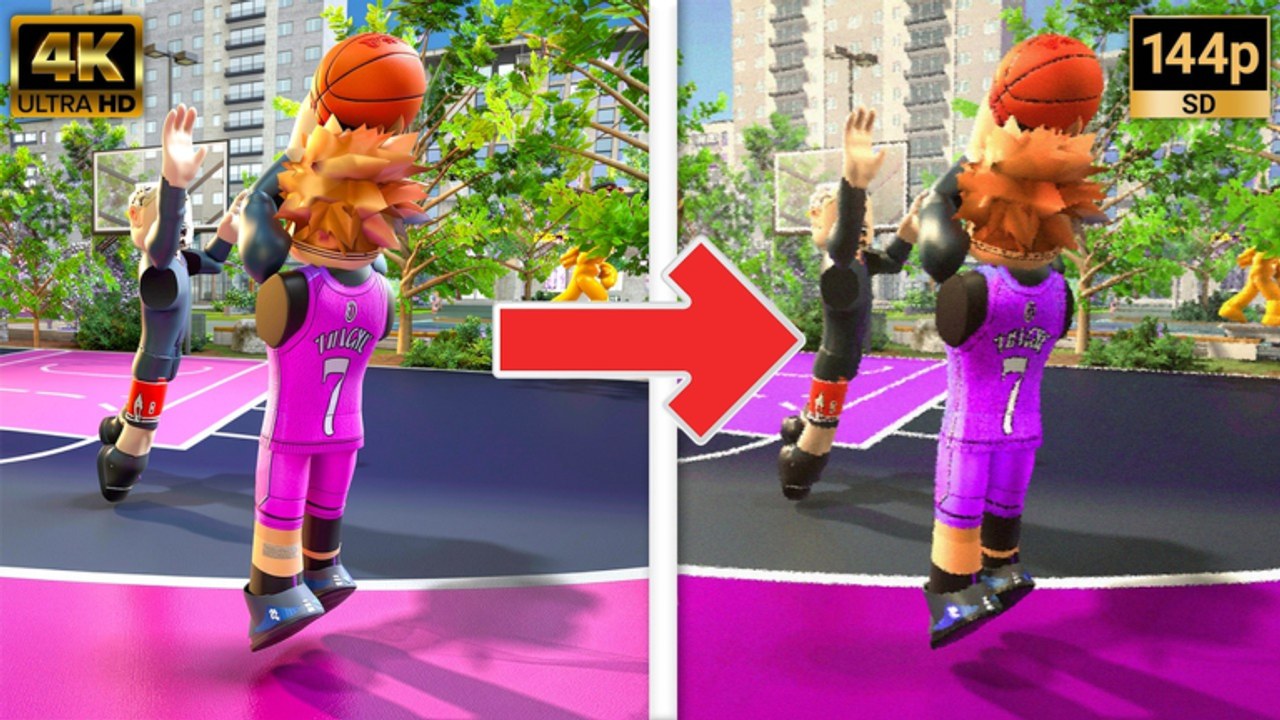
Practical Basketball is more than a single court loading screen. During Stress Test 3 and other early-access windows, players move between Plaza social hubs, Public Gym and Private Gym practice floors, Blacktop matchmaking, the Build Creator, Tutorial Mode, Play Now quick queues, and revamped park spots that host the competitive pickup games most creators film for YouTube. Knowing which place fits your goal — learning controls, testing a new build, or running live games — saves time when servers are only open for limited hours.
This page maps those modes, explains downtime between tests, and links the practice routine that keeps skill sharp when Roblox shows no running experiences. For patch-by-patch mode changes, see Changelog.
Why modes matter during stress tests
Stress tests are intentionally unstable. Populations spike when a window opens, then vanish when the team pulls servers for fixes. Modes split traffic so not every player piles into the same queue:
- Social and navigation — Plaza and hub areas where you move between activities
- Onboarding — Tutorial Mode for first-time control reps
- Low-pressure reps — Public Gym, Private Gym, creator shootaround
- Quick pickup — Play Now and Blacktop when you want games without organizing a squad
- Competitive pickup — Park queues and revamped park spots when matchmaking is live
- Planning — Build Creator offline or between games
If you only ever queue ranked-style park without warming up, you will feed turnovers while veterans use gyms to calibrate timing. Treat mode choice as part of skill development, not a menu afterthought.
Tutorial Mode — first-session onboarding
Tutorial Mode (referenced in ST3 announcements and community onboarding threads) walks new players through core inputs before park pressure:
- Hold E shooting timing with on-screen feedback
- Basic 1–4 passing to stationary targets
- Introductory Z/C hesi and crossover reps
- Shift + Space driving dunk attempt if build allows
Complete tutorial reps before your first Blacktop or park queue — the physics window is unforgiving if you skip fundamentals. Pair with Getting Started for park etiquette after tutorial completion.
Play Now — quick matchmaking
Play Now is the low-friction queue label many ST3 builds use when you want a game immediately without organizing a private lobby. Expect:
- Faster queue pops than organized wager lobbies when population is healthy
- Mixed skill levels and experimental lineups
- Less ceremony than full park spots — good for testing a new Scoring Builds or Two-Way Builds template
Play Now is not “casual physics off” — timing and stamina still matter. Use it after gym warmups, not as your first-ever session.
Round2NYC court (ST3)
Round2NYC is the NYC-themed park spot coverage Practical Creations has been rolling through ST3 — tighter branding, outdoor court framing, and queue traffic separate from generic Plaza loops. When creators film NYC runs or Discord pins mention the court refresh, start with Round2NYC Court for map notes, queue tips, and how the spot fits Tutorial → Gym → Park flow.
Revamped park spots (ST3)
ST3 announcements highlighted revamped park spots — updated court tiles, spacing, and hub flow compared to earlier stress tests. Community film often shows:
- Cleaner transitions from Plaza into active courts
- More visible queue terminals for park and recreational runs
- PB branding and polish tied to the newest park release mentioned on the Roblox game page
When park feels empty, check the official Roblox game page for server status. Spot layout can change between tests — skim Changelog and Stress Test Notes after each window.
Plaza — hub and navigation
Plaza (and similar hub spaces) is the connective tissue between activities. Expect foot traffic from players moving to courts, creator terminals, or queues; opportunity to spectate before you commit to a lobby; and visual polish tied to recent stress cycles per Stress Test Notes.
Plaza is not where you learn shoot timing — head to Tutorial Mode or Public Gym for that — but it is where you orient when returning after downtime.
Public Gym — open practice
Public Gym is the default answer to “where do I rep without a full park squad?” Use it to:
- Drill hold E shooting from How to Shoot
- Chain dribble moves from How to Dribble without queue pressure
- Test screens (T), rolls, and short pops — see Pick and Roll Guide
- Confirm a new anomaly layout before park — see Anomalies
Public sessions may include other players practicing simultaneously. Share courts politely; stress-test communities are small enough that reputation travels.
Private Gym — controlled reps
Private Gym (when available in your client) favors controlled repetition:
- Same shooting drill lines without random matchmaking interruptions
- Invite-only or low-population practice with friends from Discord
- Filming clips for bug reports — include repro steps when posting to the communications server linked from Community Links
Private gyms do not replace park reads — spacing against live defense still teaches more — but they accelerate muscle memory between windows.
Blacktop — matchmaking pickup
Blacktop matchmaking queues pickup games with less ceremony than organized park wagers in some tests. Good for testing builds, learning stamina drain across back-to-back possessions, and observing random teammate spacing.
Park — flagship pickup experience
Park is the mode most players mean when they say “Practical Basketball is live.” Park emphasizes real-player possessions, team basketball when pass accuracy clicks, and anti-cheat enforcement — fair play matters because exploits undermine the test data developers need.
Build Creator — plan before you queue
The Build Creator is not a court mode, but every mode depends on it. Recent tests added anomalies, badges, takeovers, and build testing before queue. Workflow:
- Plan attributes in How to Create a Build
- Cross-check numbers on Build Attribute Helper
- Assign badges and takeovers from Takeovers & Badges
- Test animations in creator shootaround
- Walk to Plaza or gym queues only after timing feels repeatable
Stress-test downtime — what to do when servers are offline
When Practical Basketball shows no running experiences or ST3 windows pause for updates:
On wiki and community
- Check Updates Hub, Changelog, and Stress Test Notes
- Refresh Community Links for Discord/Trello status
Off-game practice
- Re-read PC Controls and Controls Cheat Sheet
- Study one guide per night: shoot, dribble, dunk, alley-oop rotation
Avoid dead ends
- Do not chase unverified promo codes on Codes Hub
- Do not trust third-party “always online” claims when Roblox lists zero servers
Recommended session flow when live
| Goal | Start here | Then |
|---|---|---|
| First time in ST3 | Tutorial Mode + Getting Started | Public Gym shooting reps |
| New build rollout | Build Creator + Anomalies | Private Gym or shootaround |
| Quick games | Play Now or Blacktop | Review film, tweak one attribute |
| Competitive games | Park / revamped spots | Changelog for spot changes |
| Defense focus | Public Gym closeout drills | Two-Way Builds park queue |
| Big man screens | Public Gym pick-and-roll | Big Builds park queue |
Controls reminder before any mode
Every mode assumes baseline PC inputs from PC Controls:
| Action | PC input |
|---|---|
| Shoot | Hold E |
| Pass | 1–4 |
| Screen | T |
| Sprint | Shift |
| Driving dunk | Shift + Space |
| Self alley | F |
Console players should verify parallel binds on Console Controls.
Related pages
- Getting Started — first-day checklist and park etiquette
- Changelog — mode and spot changes per ST3 patch
- PC Controls — full input reference
- Community Links — Discord when schedules shift
- Stress Test Notes — latest build highlights
- Updates Hub — downtime and reopen context
- Builds Hub — loadouts to test in each mode
Modes are tools. Use Tutorial Mode and gyms to build skill, creator to plan identity, and park to prove it — then use downtime to study instead of guessing when servers return.
Frequently Asked Questions
Quick answers players ask before every park session.
What is the difference between Public Gym and Private Gym?
Public Gym is open practice with other players often sharing courts. Private Gym favors controlled reps with friends or low population — better for drills and filming bug reports without random queue pressure.
Why does Practical Basketball say no running experiences?
Stress-test windows close between cycles while developers fix bugs and prepare the next build. Downtime is expected during early access — check the Roblox game page and Updates hub for the next live window.
Where should I practice screens and pick-and-roll?
Start in Public Gym or Private Gym to rep screen timing with T, rolls, and pops. Move to park or Blacktop once your big or wing build feels consistent in open reps.
Can I use the Build Creator when park is offline?
Often yes — creator and shootaround may remain accessible even when matchmaking queues are down. Use that time to plan builds from How to Create a Build and Anomalies guides before the next stress test opens.
Is Blacktop the same as Park?
Both are pickup matchmaking contexts, but community docs treat Blacktop as a distinct queue label. Expect similar live defense; read Stress Test Notes for whichever mode is emphasized in the current cycle.