Practical Basketball Discord
Find Practical's Games the safe way, read pins first, and ignore scam invite farms.
The Practical’s Games Discord is the real newsroom for Practical Basketball. During Stress Test 3 and other early-access windows, control sheets, reopen times, known bugs, and fair-play rules land in Discord pins long before fan sites catch up. This page explains how to join safely from the Roblox listing, what to read first, and what this wiki will never host (rotating invite URLs, “free codes” servers, or executor discords).
Start from the Community Links Hub for the Roblox experience URL, then use this guide when you specifically need Discord workflow. Pair with Trello & Community — an official Trello may be absent, so Discord is primary.
Why Discord matters more than in-game news
Practical Basketball stress tests change quickly:
- Bind tables for PC, console, and mobile get rewritten between pushes
- ST3 may flip from [STRESS TEST 3!] to [BE BACK SOON!] or no running experiences overnight
- Badge thresholds and takeover wording move while the Physics V2 park loop stays the same
Roblox descriptions have character limits. Discord pins do not. That is why the game page points testers to the communications server for controls and bug reports.
How to find the official server (safe path)
This wiki does not publish a permanent invite code. Invites rotate, and pasted links in comment sections are a common phishing vector.
- Open Practical Basketball on Roblox
- Check About, Social Links, and the linked Group for Discord
- Join only from those official touchpoints
- Confirm the server name / branding matches Practical’s Games (studio hub for Practical Basketball)
- Enable Discord safety settings — never download “green scripts” shared in DMs
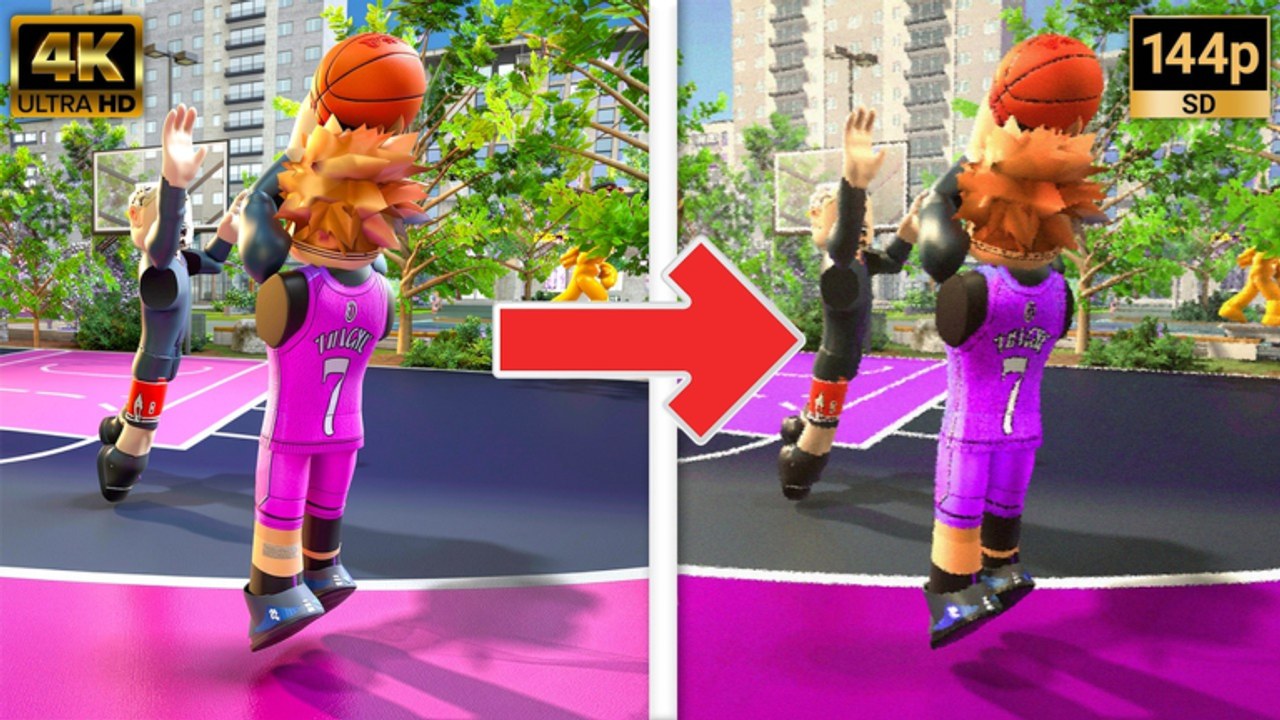
The embedded mid-article video walks a join flow from public guides — still verify the final click lands on a Roblox-linked invite.
What to read in the first ten minutes
| Channel / pin type | Use it for |
|---|---|
| Announcements / reopen pins | Whether ST3 is live today |
| Controls / binds pins | Current shoot, dunk, pass, dribble inputs |
| Known issues | Softlocks, broken animations, matchmaking bugs |
| Bug report templates | How to file useful clips |
| Rules / fair play | What gets you banned during tests |
After pins, cross-check critical keys against PC Controls and the Controls Cheat Sheet. If Discord and the wiki disagree after a fresh patch, trust Discord, then expect the wiki to sync.
Discord vs Trello vs this wiki
| Resource | Role |
|---|---|
| Discord | Fastest official announcements and live pins |
| Trello | Only when staff link a board — often absent in ST3 |
| This wiki | Long-form builds, guides, and SEO hubs between patches |
Do not hunt random Trello URLs. When a board exists, staff post it inside Discord. Details: Trello & Community.
Using Discord during ST3 downtime
When Roblox shows empty servers around the Jul 29 – Aug 12, 2026 PT ST3 window (or after August 12 if another pause hits):
- Read reopen pins before blaming your PC
- Skim Maintenance Status and Release Date Guide for context
- Rebuild offline with Build Helper and ST3 Meta Builds
- Practice timing concepts from How to Green even if you cannot queue park
Downtime is when organized groups schedule scrims for later — see EBA League for how community leagues differ from casual park.
Etiquette that keeps pins useful
- Search “controls”, “ST3”, and “binds” before asking the same question
- Report bugs with platform, steps, and a short clip — not “game broken”
- Do not paste exploit steps in public channels — Fair Play explains why scripts corrupt stress-test data
- Keep build help in the right channel so announcement pins stay visible
Scams and lookalike servers
Avoid any Discord that promises:
- Working Practical Basketball codes during a period with no official redemption UI (Codes Hub)
- Auto-green executors or “undetected” hubs (Scripts Hub awareness pages exist so you understand risks — they are not endorsements)
- Paid early access keys unrelated to the Roblox game page
If a stranger DMs an invite after you favorite the game, treat it as untrusted until it matches the Roblox social button.
Related pages
- Community Links Hub — Roblox listing and discovery order
- Trello & Community — docs workflow when boards appear
- Join Stress Test — queue steps once Discord says live
- Stress Test 3 — current cycle overview
- Updates Hub — wiki patch summaries
- Getting Started — first-session plan after you join
Bookmark the Roblox page, join Discord the official way, and let pins drive your schedule. That habit beats every unofficial “release calendar” floating around search results.
Frequently Asked Questions
Quick answers players ask before every park session.
What is the Practical Basketball Discord invite?
This wiki does not host permanent invite URLs. Open the Roblox game page Social Links or Group section and join Practical's Games from those official buttons only.
Is Discord required to play?
No, but it is the best place for control updates, ST3 reopen times, and bug reporting during early access.
Does Practical Basketball have an official Trello?
Often no for a given ST3 cycle. When a board exists, staff share it inside Discord — see Trello & Community.
Can I get codes in Discord?
Only if developers announce real promo strings later. As of August 2026 stress tests, no official code system is confirmed — check the Codes Hub.
Where do I report cheaters?
Use official moderation / report channels in the developer Discord and follow Fair Play guidance. Do not promote scripts in park chat.